
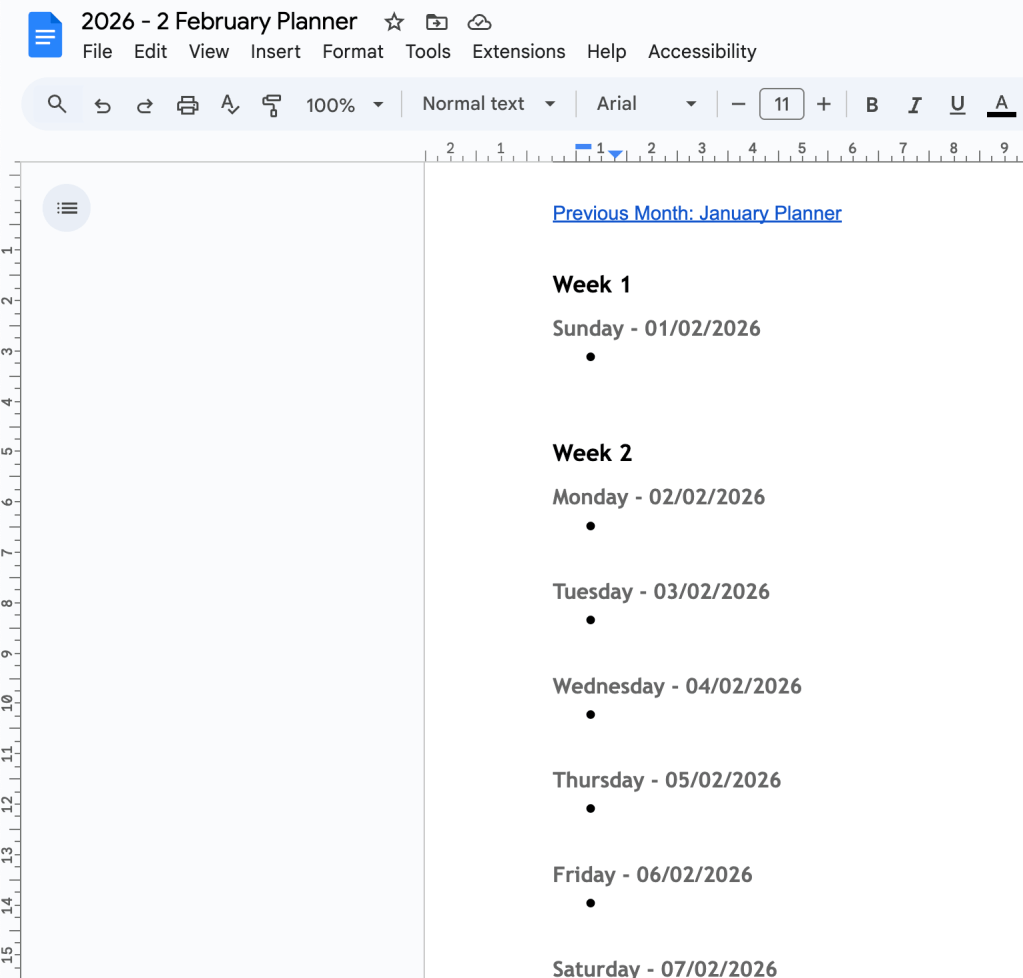
Back in 2024, I made a post about creating a year’s worth of monthly planners using a mixture of Google’s Sheets, Apps Script, and Docs. In brief, I was sick of spending about an hour or two manually making these planners so I made it a (near) automated process. What I’ve created in this post is how to create a new set of monthly planners for 2026.
- Open the spreadsheet,
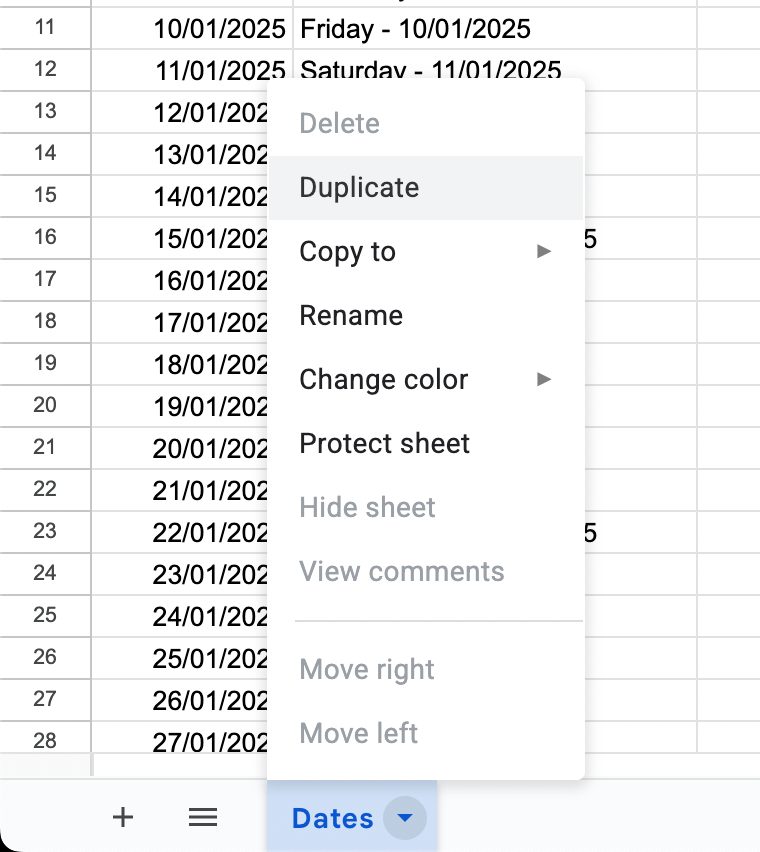
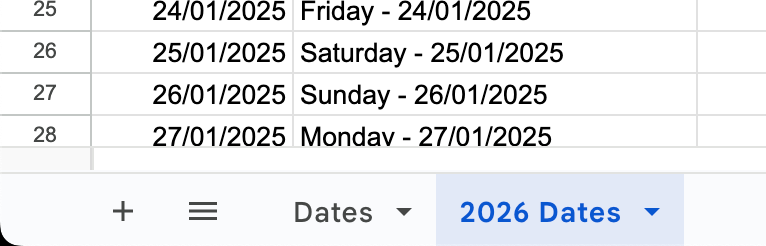
- Duplicate the sheet Dates and rename it to 2026 Dates:
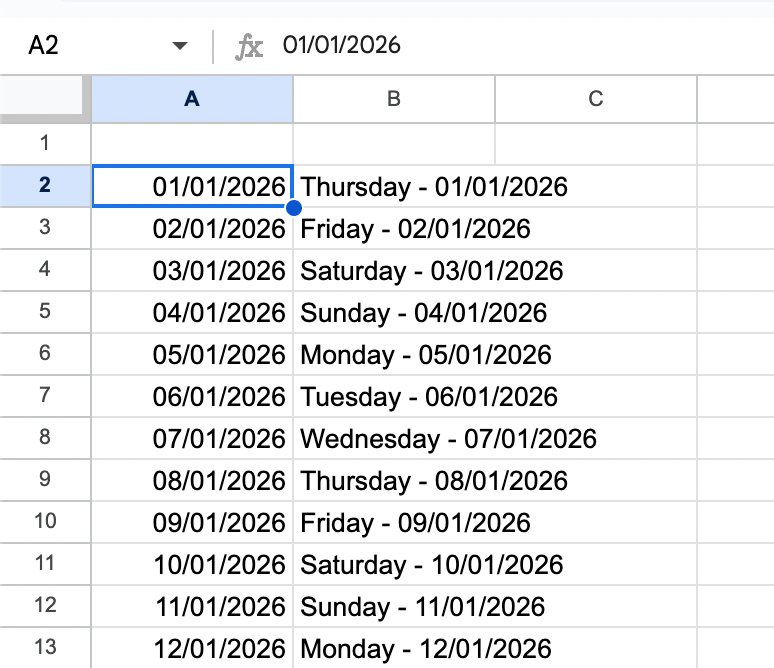
- Change Cell A2 to 01/01/2026; all subsequent cells will automatically adjust:
- Delete the original Dates (2025 Dates) sheet,
- Open the script; Extensions > Apps Script:
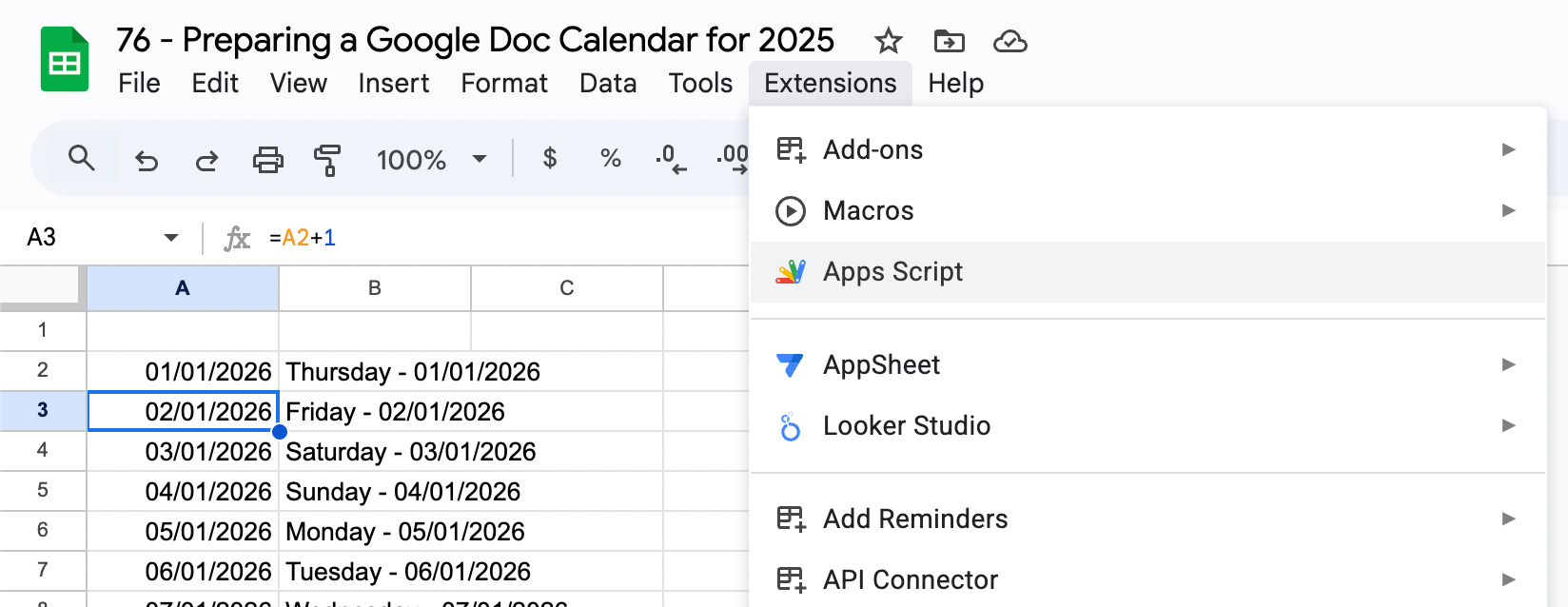
- Update the following variables:
- If you’re changing the stored folder location:
- Line 2: var folderId = “<insert new folder ID here>“; // Replace with your folder ID,
- If you’ve changed the sheet name:
- Line 7: var sheet = SpreadsheetApp.openById(sheetId).getSheetByName(‘<insert new sheet name here>‘);:
- If you’re changing the stored folder location:
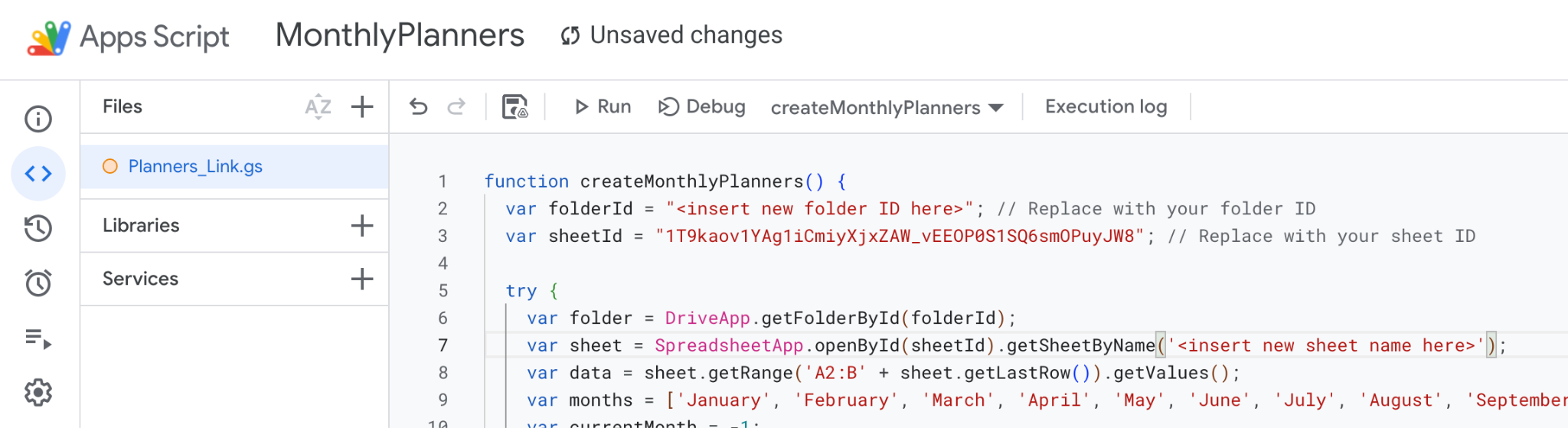
- Make sure that the function ‘createMonthlyPlanners’ has been selected, then click Run:

- You may need to authenticate the app again.
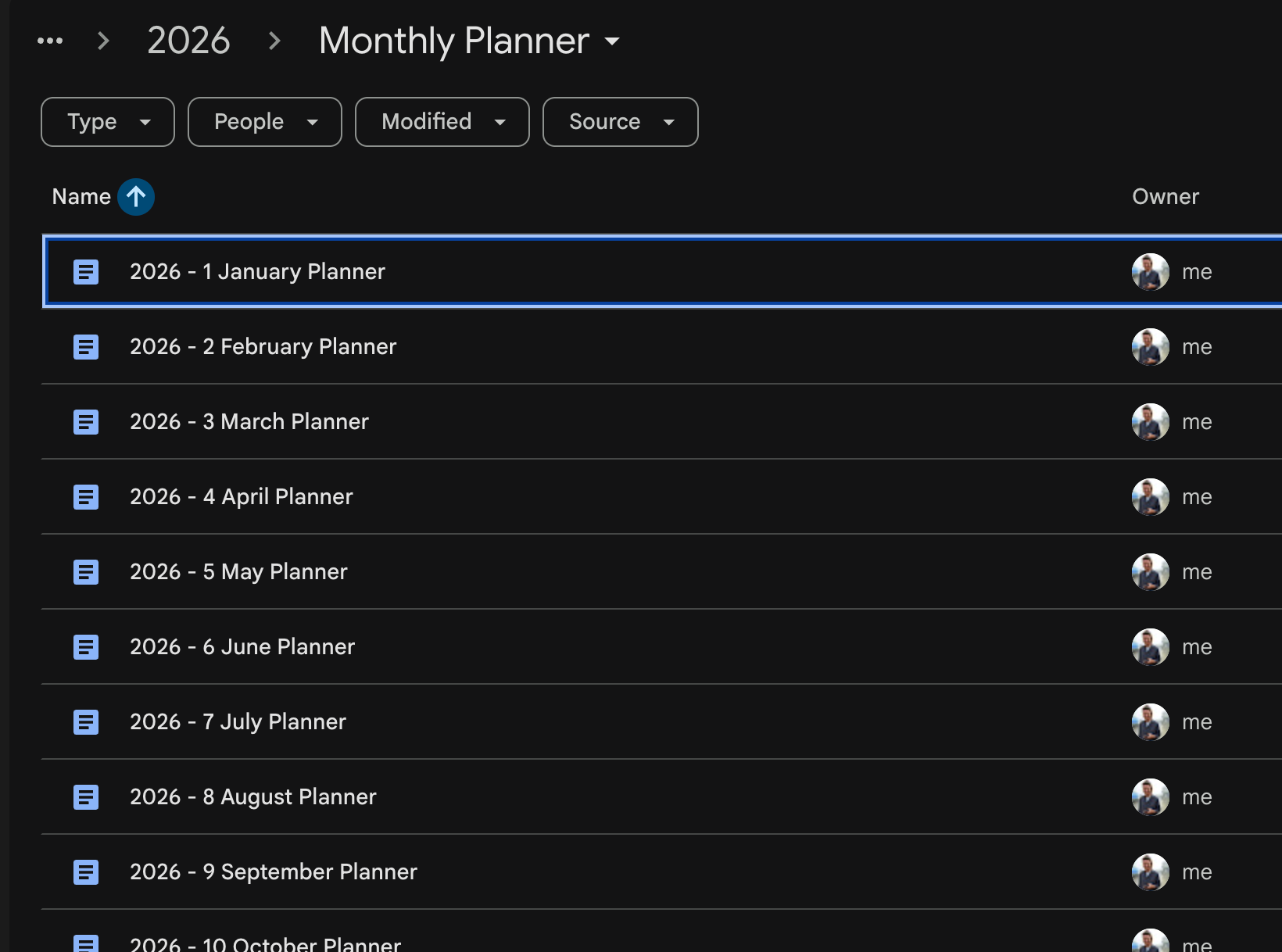
There you have it; a new set of monthly planners for 2026:
Planned Future Upgrades
- Allocate a specific space in my Google Drive for these planners, e.g. a parent folder,
- Implement a function that detects when a new year has started, e.g. NOW(),
- Create a new folder, named 20XX,
- Pull in the newly created FolderID,
- Integrate these upgrades with the steps above, and
- Trigger the script to run in the new year.
 James Miller CV